Email Signature Templates
|



| IMPORTANT: The contents of this email and any attachments are confidential. It is strictly forbidden to share any part of this message with any third party, without a written consent of the sender. If you received this message by mistake, please reply to this message and follow with its deletion, so that we can ensure such a mistake does not occur in the future. |
|


| IMPORTANT: The contents of this email and any attachments are confidential. It is strictly forbidden to share any part of this message with any third party, without a written consent of the sender. If you received this message by mistake, please reply to this message and follow with its deletion, so that we can ensure such a mistake does not occur in the future. |
|


|

|

|
|

| Kaira Madhur | | ||||
| CEO at MySign | |||||
| mobile: +1 318-545-6266 | email: kaira@mysignapp.com | ||||
| | |||||
| | |||||
| 10753 Hobert River Apt.175 | |||||
| mysignapp.com | |||||

| |||||||||||||||
| |||||||||||||||
|

 |
|

|

| IMPORTANT: The contents of this email and any attachments are confidential. It is strictly forbidden to share any part of this message with any third party, without a written consent of the sender. If you received this message by mistake, please reply to this message and follow with its deletion, so that we can ensure such a mistake does not occur in the future. |
|
| Please do not print this email unless it is necessary. Every unprinted email helps the environment. |
|

| Please do not print this email unless it is necessary. Every unprinted email helps the environment. |
|

| Please do not print this email unless it is necessary. Every unprinted email helps the environment. |
|

| IMPORTANT: The contents of this email and any attachments are confidential. It is strictly forbidden to share any part of this message with any third party, without a written consent of the sender. If you received this message by mistake, please reply to this message and follow with its deletion, so that we can ensure such a mistake does not occur in the future. |
| ||||||||||||||





|

| IMPORTANT: The contents of this email and any attachments are confidential. It is strictly forbidden to share any part of this message with any third party, without a written consent of the sender. If you received this message by mistake, please reply to this message and follow with its deletion, so that we can ensure such a mistake does not occur in the future. |
|

| Please do not print this email unless it is necessary. Every unprinted email helps the environment. |
|

| IMPORTANT: The contents of this email and any attachments are confidential. It is strictly forbidden to share any part of this message with any third party, without a written consent of the sender. If you received this message by mistake, please reply to this message and follow with its deletion, so that we can ensure such a mistake does not occur in the future. |
|

 |
| |||||||||||
| |||||||||||

 |
|

| IMPORTANT: The contents of this email and any attachments are confidential. It is strictly forbidden to share any part of this message with any third party, without a written consent of the sender. If you received this message by mistake, please reply to this message and follow with its deletion, so that we can ensure such a mistake does not occur in the future. |
|

|

| IMPORTANT: The contents of this email and any attachments are confidential. It is strictly forbidden to share any part of this message with any third party, without a written consent of the sender. If you received this message by mistake, please reply to this message and follow with its deletion, so that we can ensure such a mistake does not occur in the future. |
| |||||||
| | |||||||
|
| |
|

 |
| Please do not print this email unless it is necessary. Every unprinted email helps the environment. |
|
| IMPORTANT: The contents of this email and any attachments are confidential. It is strictly forbidden to share any part of this message with any third party, without a written consent of the sender. If you received this message by mistake, please reply to this message and follow with its deletion, so that we can ensure such a mistake does not occur in the future. |
|
|
 |  |
| ||||||||||||||
|
|

|
| Please do not print this email unless it is necessary. Every unprinted email helps the environment. |
Elements Of email signature
A signature includes a banner, logo, contact information, and other elements.
What is an email signature?
When you send an email to a customer or colleague, it can be hard to remember all of your contact information. The email signature solves this problem by including the sender's name, phone number, email address or website, and social information. All these things together make an email signature.
Name
This is the most important element of an email signature and should include the sender's full name.
Social Icon
Social media links can be included in the email signature to increase online presence and provide a way for recipients to connect on platforms such as LinkedIn, Twitter, or Facebook.
Logo
Add your logo or image to your signature to show off your professionalism to the rest of the world.
Contact Information
This includes the sender's professional contact details such as phone number, email address, and physical address.
Email Signature Example
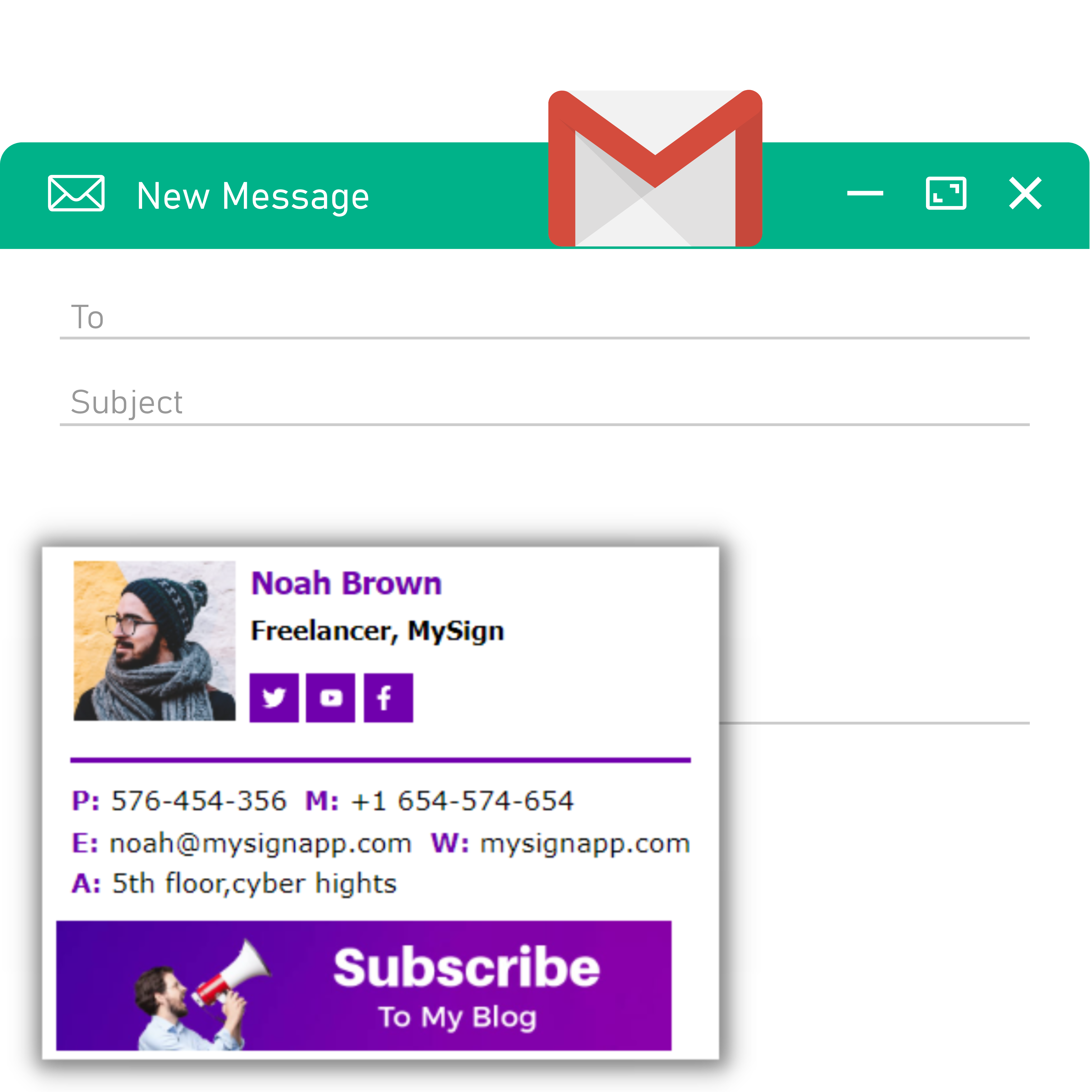
Learn more about Gmail signature templates
We have best Gmail templates designed by our professionals. You can make your emails professional and branded by using our professional templates. Learn more
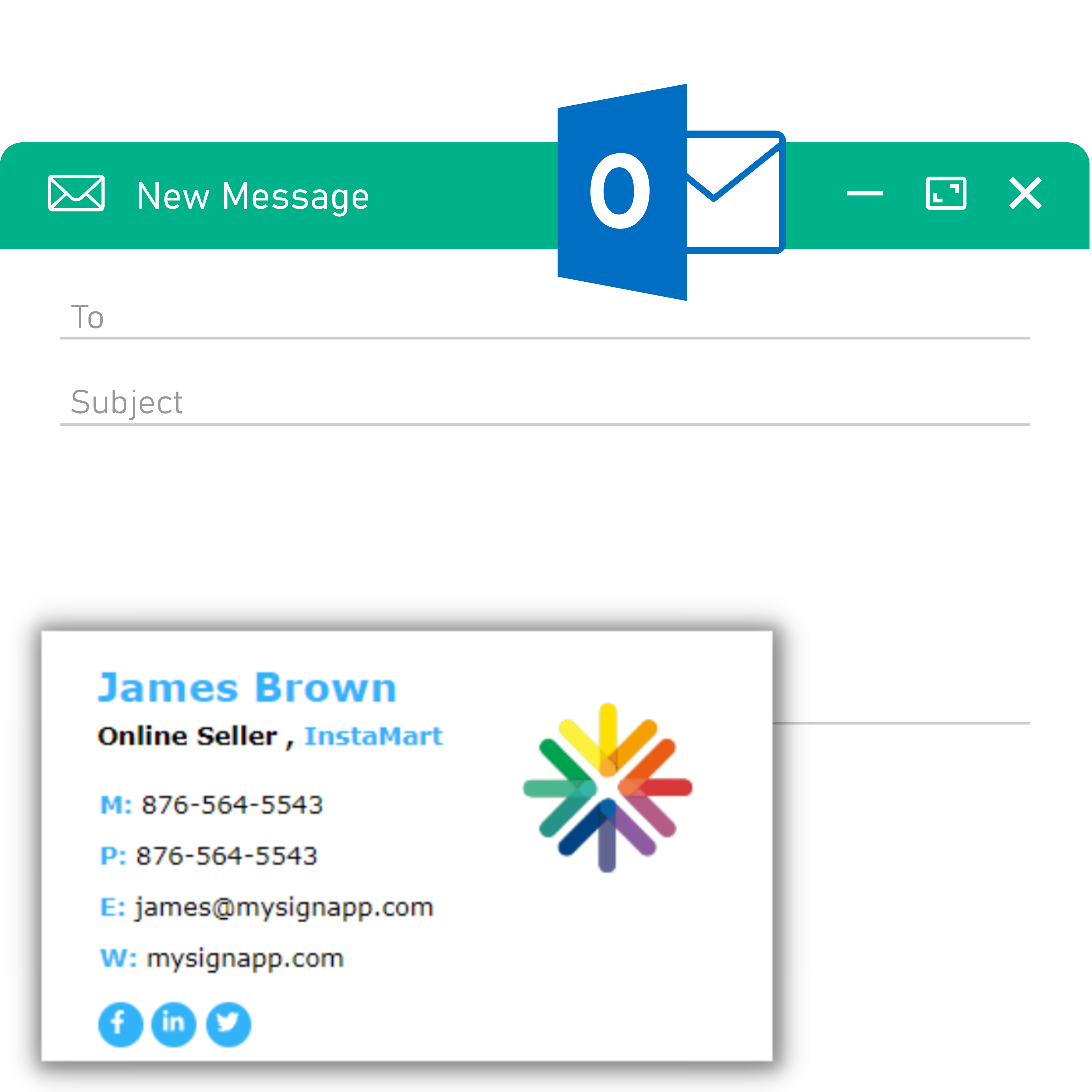
Learn more about Outlook email signatures templates
Trust is such a key that is essential for any of your business. If your business is based on emails, then you need to have good email writing skills and steps starts from your Professional Email signature. Learn more
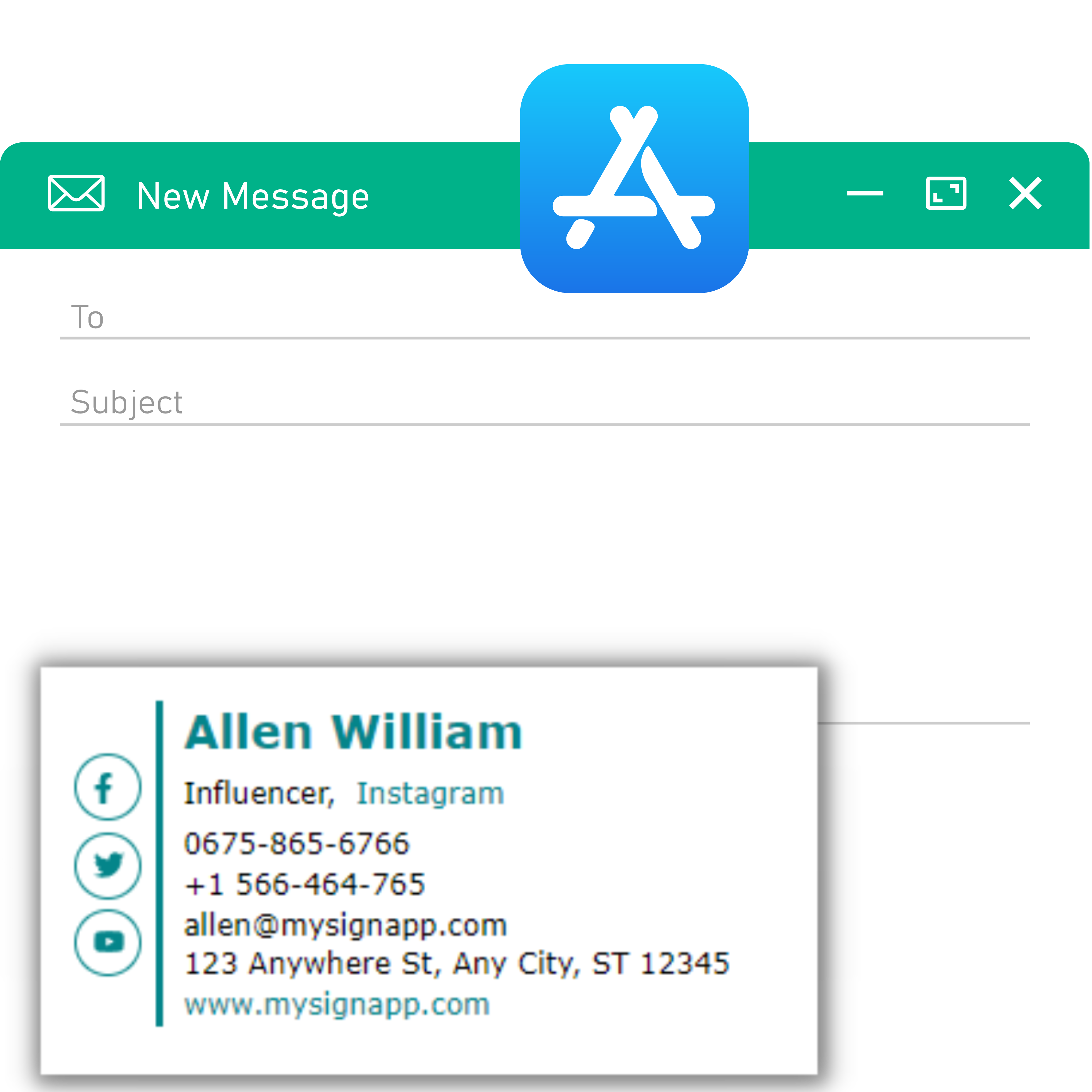
Learn more about Apple Mail signature templates
Do you want to show off your skills in design and illustration or just want something minimal and functional? MySign can help Learn more.
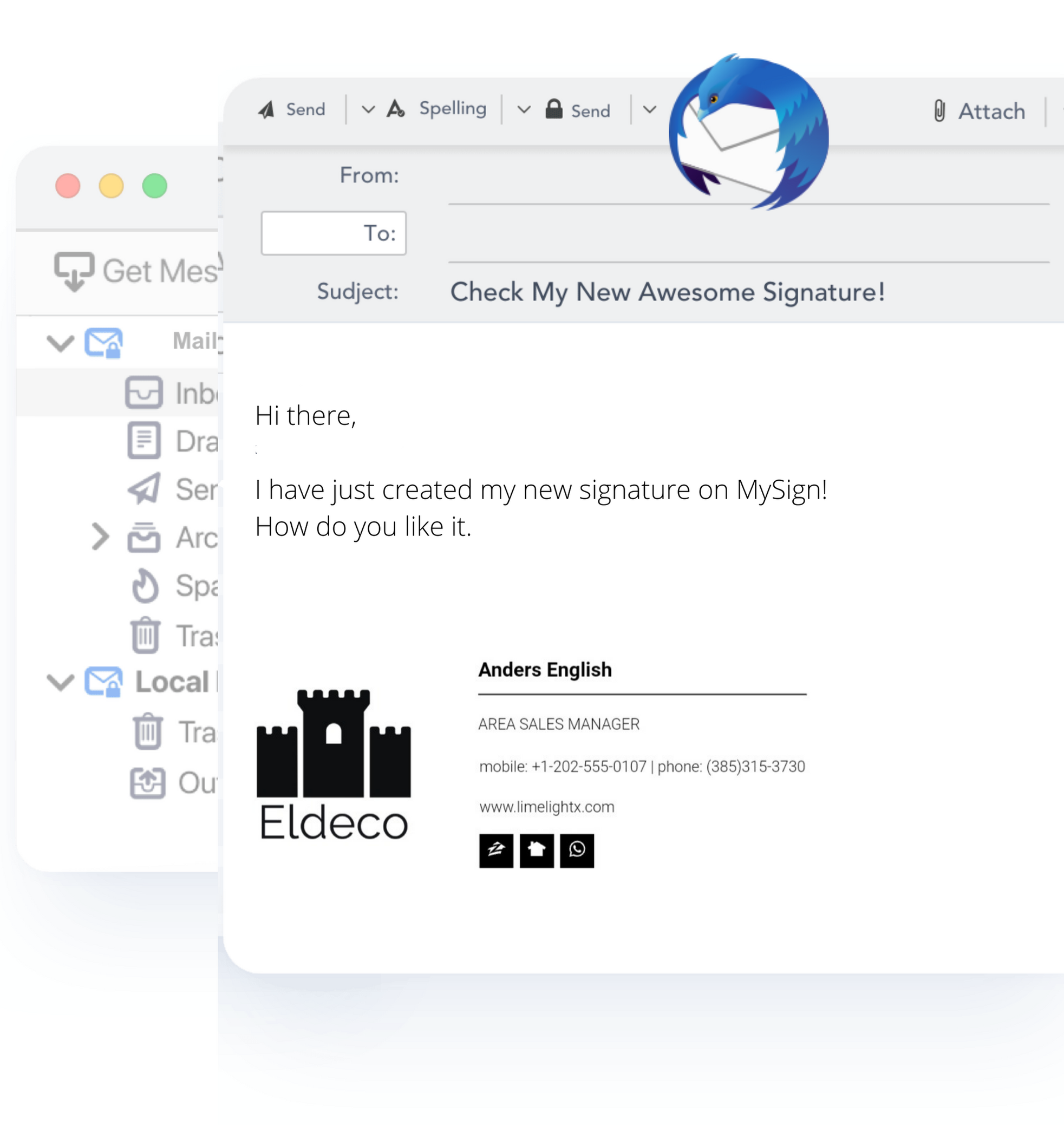
Learn more about Thunderbird Mail signature Example
Are you an email marketer? or are your business dependent on emails?We have best email signature examples just have a look and start creating your best email signature. Learn more
Frequent questions
Do you have some questions ? Find answers in our FAQ.
1.How do you add MySign to Gmail?
If you want to create a free Gmail signature, then you can create it by using our free email signature generator. When your signature is ready, click "copy to clipboard."
Go to your Gmail settings and scroll down. You will find the Signature section. Now paste the copied signature here.
3. How do you add MySign to Apple Mail?
To create Apple Mail, first choose a template from our template page. Complete social media links with your basic information. Now copy your signature.
Go to Signatures in Preferences. Add a new signature by clicking the plus icon. Use the Cmd+V shortcut on your keyboard to paste the signature in the Edit Signature box.
5. How to create an html email signature?
MySign is the best option. You may generate email signatures with our generator, which includes a live preview. When you're finished, click “Copy to clipboard” and save the HTML signature to your email client. You may also copy the source code.
2. How do you add MySign to Outlook?
To add MySign to Outlook, go to Outlook and create a new email. Click the “signatures” tab at the top of the message window. Press “add a new signature” and paste your signature in the designated box. You will now be prompted with two options: keep formatting or don't keep formatting. Either option is safe, we recommend that you leave it as is. Press “OK” to save your new signature, and you're all set!
4. How to Create an Email signature?
To create an email signature for free, you have to select a template from our template page. Then all you have to do is fill in your basic details, add social icons and add your email links. Save and add it to your email client settings.
6. How to create a professional email signature?
Creating a professional email signature is very easy. All you have to do is choose one of our templates. Our team has put a lot of effort into designing the template. If you want to create your own email signature, just sign up and get started on a new journey with MySign.
Don’t forget to use in your professional things in your signature
- Full name
- Add photo or Logo
- Company Email
- Company Website
- Banner
- Social icon and social links